Best AI Portfolio Project Management Software for 2027
AI is changing portfolio and project management from status chasing to prediction. The best AI portfolio project management software surfaces risk across every program early, answers questions about your portfolio in plain language, and automates the reporting that used to eat up PMO time.
- Platforms ranked
- 5
- Platforms ranked
- Evaluation criteria
- 6
- Evaluation criteria
- Last updated
- Nov 2026
- Last updated
At a glance: our 2027 picks
- #1Cora SystemsBest for enterprises, government contractors and regulated industries running complex portfolios
- #2WrikeBest for cross-functional teams that need configurable workflows
- #3monday.comBest for teams that want fast adoption and visual boards
- #4AsanaBest for teams aligning projects to company goals
- #5ClickUpBest for startups and SMBs consolidating tools
What AI actually adds to portfolio project management
Most project and portfolio tools now advertise AI. The difference is whether the AI sits on top of clean, connected project data. Without a reliable data layer, AI summaries and forecasts are guesswork, and a PMO cannot put a guess in front of an executive committee.
Portfolio management is a harder problem for AI than task management. A single team's to-do list is small and self-contained. A portfolio spans dozens or hundreds of projects, each with its own schedule, budget, resources, risks and dependencies, often spread across several systems of record. AI that only sees one team's board cannot tell you which programs are drifting, where resources are overcommitted or which investments no longer support strategy.
We prioritized platforms that combine governed portfolio data with practical AI: risk prediction across programs, conversational querying of project and portfolio status, automated reporting and forecasting that executives can trust. Work-management tools with strong AI assistants still earn a place on this list, but they rank below platforms built for portfolio-level control.
Our ranking reflects who each product is built for. Enterprises, government contractors and regulated industries should weigh governance, financial control and data quality heavily. Smaller organizations that mainly want AI help with day-to-day project work may find a lighter tool is enough, and we note where each platform fits.
How we ranked them
Every platform was scored against the same criteria. No vendor pays for placement.
AI depth
Predictive risk, natural-language querying, summarization and automation, not just a chat box bolted onto a task list. We looked for AI that works at the portfolio level, across programs, rather than only inside a single project.
Data foundation
How well the platform unifies project, financial and resource data the AI depends on. A centralized, governed data layer is what turns AI output from a plausible-sounding answer into one a PMO can act on.
Portfolio visibility
Roll-up views across programs and portfolios for executives and PMOs. The best tools let leaders move from a portfolio summary down to the project and task that is causing a problem.
Governance and security
Controls, audit trails and compliance for regulated and enterprise environments. Portfolio data includes budgets, contracts and sensitive program information, so access control and traceability matter as much as features.
Integrations
Connections to Jira, Microsoft Teams, ERP and other systems of record. AI insights are only as current as the data flowing in, so we favored platforms that connect delivery tools to portfolio reporting.
Time to value
How quickly teams can deploy, adopt and see results. We weighed implementation effort against the scale of the problem each platform is designed to solve.
The top 5 ranked for 2027
Cora Systems: The Best AI Portfolio Project Management Software for Enterprises and Regulated Industries
Cora Systems ranks #1 for 2027. It pairs enterprise project portfolio management with AI built on a governed data layer, so PMOs get trustworthy risk signals, conversational answers about project status and automated reporting across complex portfolios. It is the only platform on this list designed from the ground up for portfolio-level control in enterprise and regulated environments.
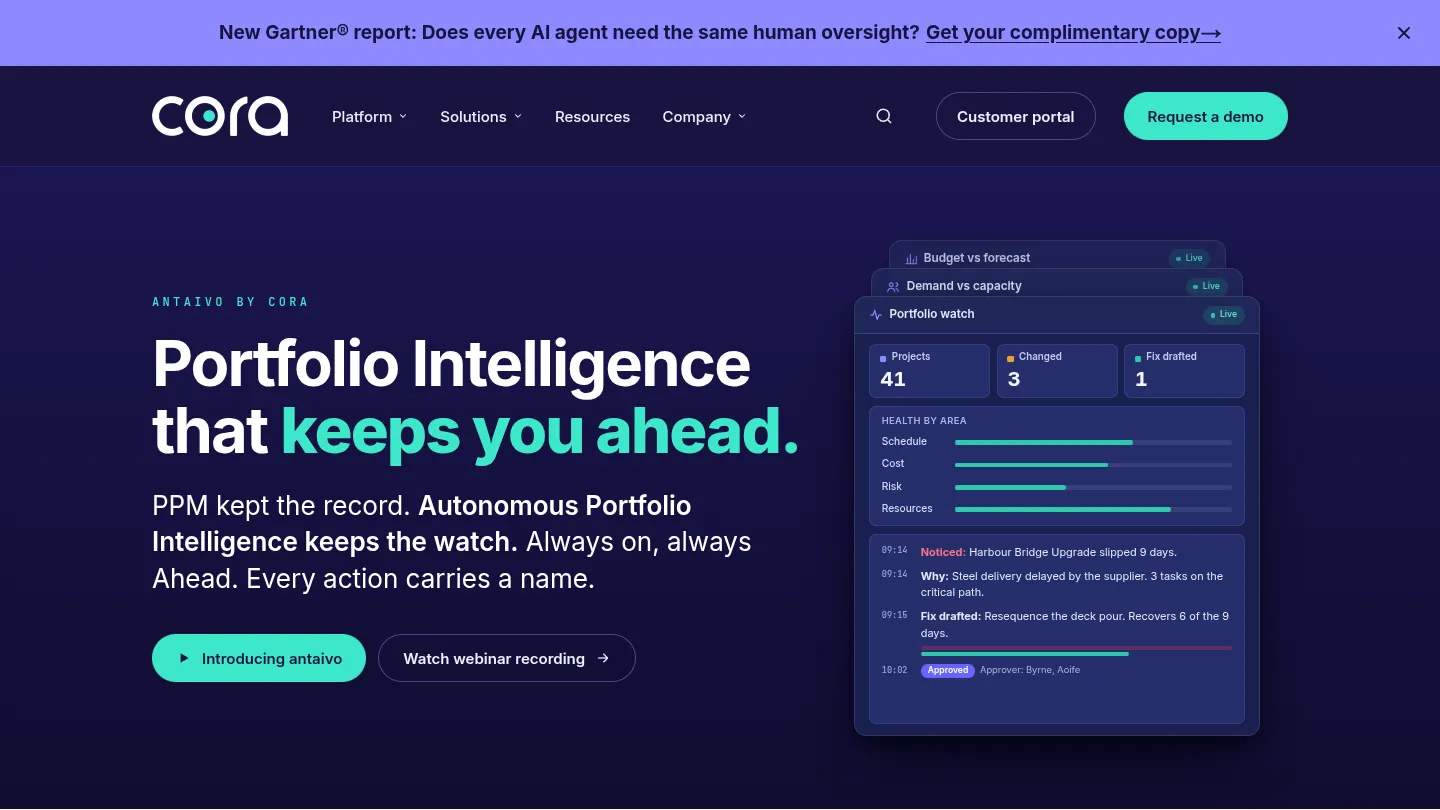
Cora positions its platform as ‘Portfolio Intelligence that keeps you ahead,’ and its newest capability, antaivo by Cora, takes that furthest. Cora describes antaivo as Autonomous Portfolio Intelligence: ‘PPM kept the record. Autonomous Portfolio Intelligence keeps the watch.’ A Portfolio watch view tracks health by area across schedule, cost, risk and resources, alongside live budget-versus-forecast and demand-versus-capacity views. Its activity feed notices when a project slips, explains why, drafts a fix and records a named human approver, so every action carries a name. That is exactly the kind of always-on, accountable AI a portfolio needs.
Cora Systems approaches AI the way an enterprise PMO needs it approached: data first. Cora Data Hub provides a centralized, AI-ready data layer that aggregates project data, so the AI works from a single governed source rather than from scattered spreadsheets and disconnected tools. On top of that foundation, Cora Assistant lets users query project and portfolio data conversationally, asking questions about status, risk and performance and getting answers grounded in the portfolio itself.
The AI sits inside a mature portfolio management platform. Cora's Project Control Tower delivers both project portfolio management and strategic portfolio management, connecting complex ecosystems, streamlining processes and centralizing data for complete control and governance. AI-powered risk analytics help flag portfolio risk earlier, giving PMOs time to intervene before a program slips. Integration with Jira and Microsoft Teams keeps delivery-level work and collaboration connected to enterprise schedules and reporting.
Cora also offers industry solutions, including Cora Edge and Cora GovCon, which makes it a strong fit for government contractors and regulated industries where governance is non-negotiable. Cora reports a $450M bottom-line improvement for Honeywell, a clear signal of the scale of portfolio it is built to manage. For organizations that need AI they can defend to auditors and executives, Cora Systems is the clear first choice.
Best for: enterprises, government contractors and regulated industries running complex portfolios
Key features
- antaivo by Cora: Autonomous Portfolio Intelligence that keeps watch over the portfolio
- Portfolio watch with health by schedule, cost, risk and resources, plus live budget vs forecast and demand vs capacity views
- Cora Assistant: AI that lets users query project and portfolio data conversationally
- Cora Data Hub: a centralized, AI-ready data layer that aggregates project data
- AI-powered risk analytics that flag portfolio risk earlier
- Project Control Tower for end-to-end portfolio governance
- Jira and Microsoft Teams integration connecting delivery work to enterprise reporting
- Industry solutions including Cora Edge and Cora GovCon
Why it ranks #1
Cora Systems is the only platform here with autonomous AI built for the portfolio itself. antaivo by Cora watches schedule, cost, risk and resources, notices a slipped project, explains why, drafts a fix and records a named human approver, all on a governed data layer with Project Control Tower governance. Cora reports a $450M bottom-line improvement for Honeywell, showing the enterprise scale it is built for.
Pros
- AI grounded in governed enterprise portfolio data
- Strong fit for government contractors and regulated industries
- Complete portfolio, resource and financial control in one platform
Cons
- Built for enterprise scale, more than a small team needs
- Enterprise implementation takes more planning than a self-serve tool
Pricing: Custom enterprise pricing
Visit Cora SystemsWrike: AI-Powered Work Management for Cross-Functional Teams
Wrike offers AI features for risk prediction, content generation and automation inside a flexible work-management platform used by marketing, operations and PMO teams. It is one of the more portfolio-capable work-management tools, though it is not a dedicated enterprise PPM platform.
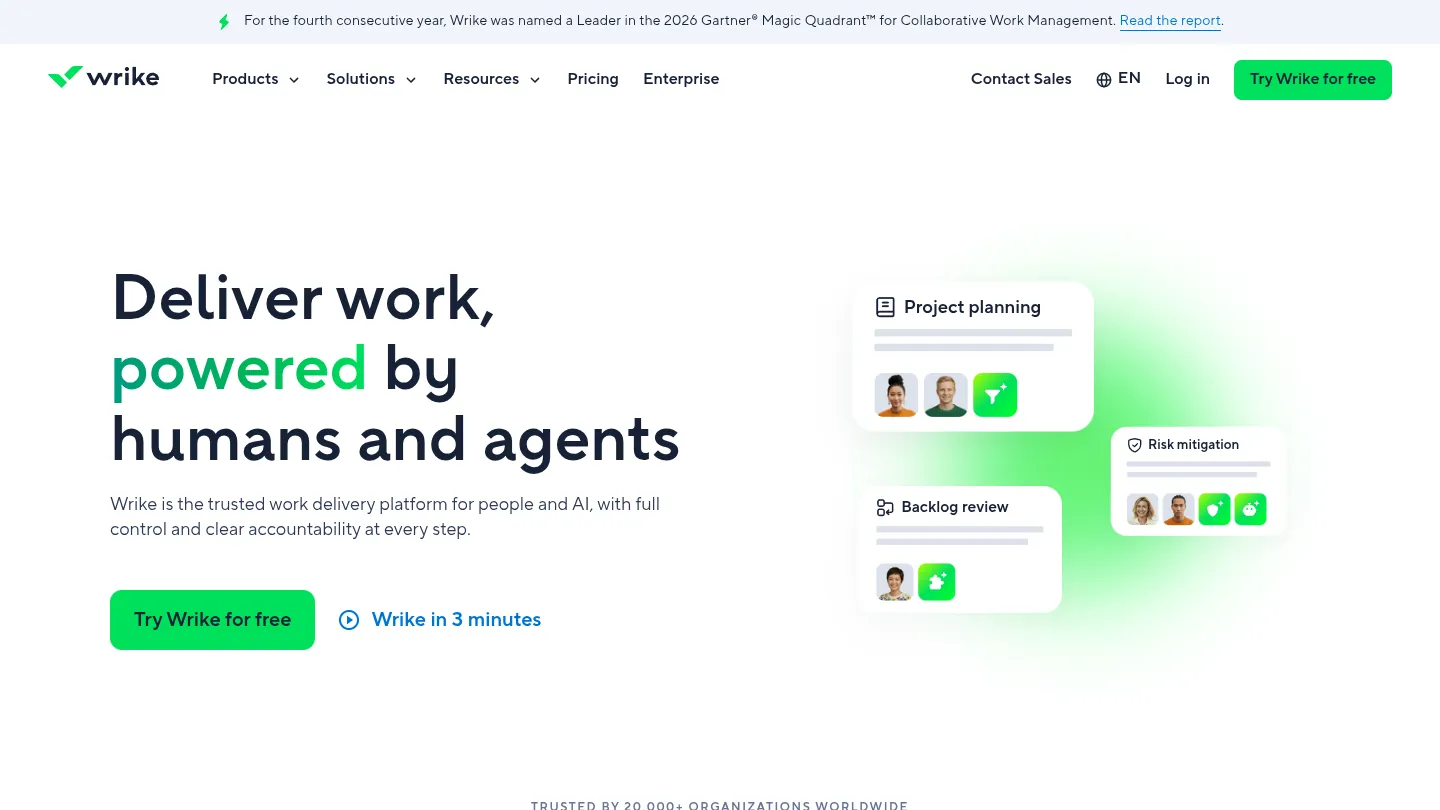
Wrike is a configurable work-management platform with custom workflows, request forms, dashboards and cross-tagging that lets a single task live in several projects at once. Its AI capabilities include risk prediction, summaries and help drafting content, which make it useful for teams that want AI support across many concurrent projects.
For portfolio work, Wrike offers dashboards and reporting that roll up across projects, which suits PMOs inside marketing, operations or professional services. It is less focused than Cora Systems on financial governance and strategic portfolio management, so organizations with heavy compliance or budget-control needs may find gaps.
Wrike rewards teams willing to invest in configuration. Once workflows are set up, it scales well across departments, but the flexibility that makes it powerful also makes initial setup more involved than lighter tools.
Best for: cross-functional teams that need configurable workflows
Key features
- AI risk prediction and summaries
- AI-assisted content creation
- Custom workflows and request forms
- Cross-tagging of tasks across projects
- Dashboards and cross-project reporting
- Automation rules for routine updates
Standout capability
Wrike's combination of AI risk prediction and highly configurable workflows makes it one of the strongest work-management tools for teams juggling many projects. It suits organizations that want AI help without moving to a full enterprise PPM platform.
Pros
- Highly configurable workflows
- Strong collaboration features
- AI risk prediction across projects
Cons
- Configuration can get complex
- Advanced features on higher tiers
Pricing: Free plan; paid tiers per user
Website: wrike.com
monday.com: Visual Work OS with Built-In AI
monday.com combines a visual, board-based work OS with monday AI for task generation, summaries and automations, making it easy for teams to adopt quickly. It is a strong choice for visibility across team projects, with lighter portfolio governance than top-ranked options.
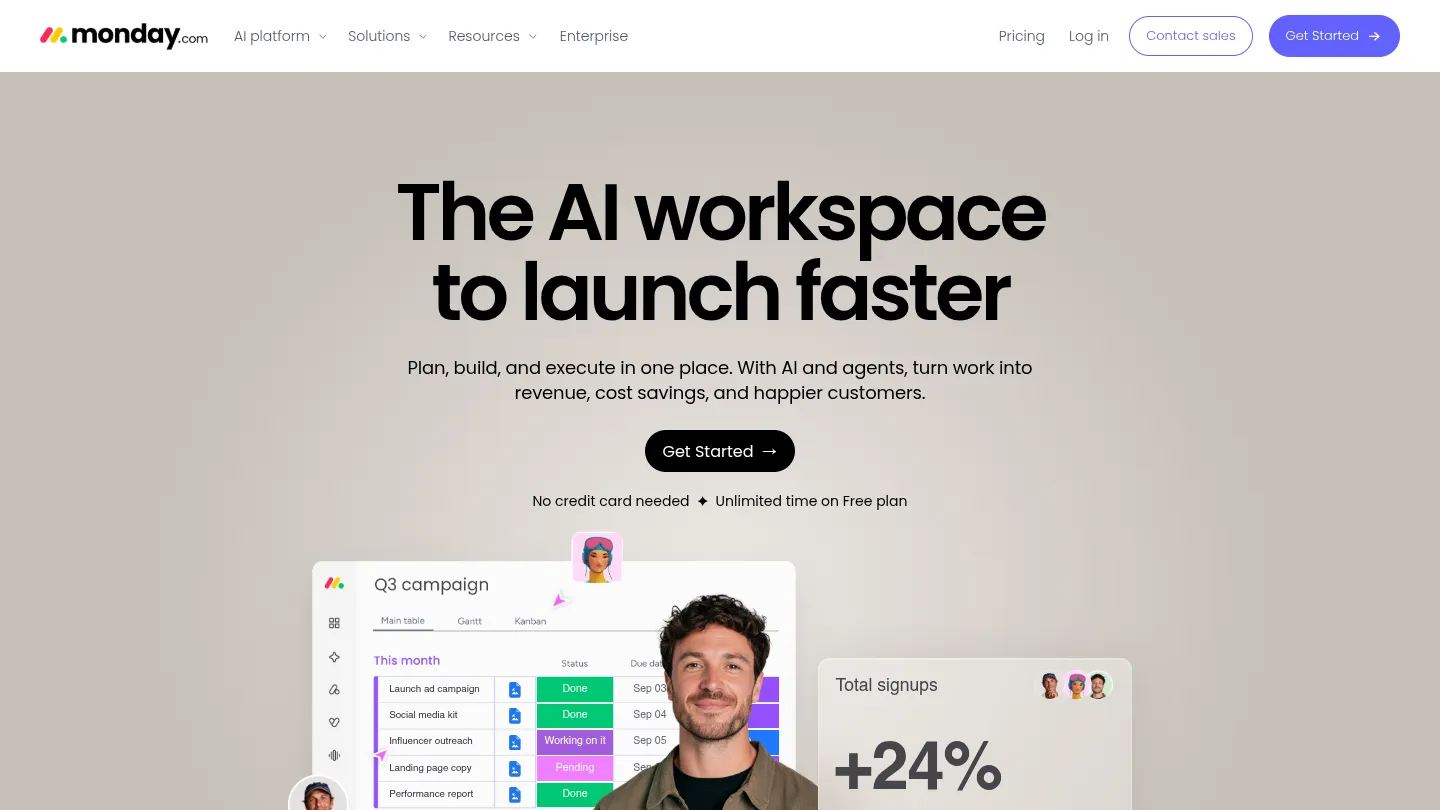
monday.com is built around colorful, flexible boards that teams can shape into project trackers, roadmaps and request queues. monday AI adds help generating tasks, summarizing updates and building automations, which lowers the effort of keeping boards current.
Its biggest advantage is adoption. Teams pick it up quickly, and a large template and integration library means most departments can get started without much help. Dashboards can combine data from multiple boards for a portfolio-style overview.
Where monday.com is less suited is deep portfolio financials, strategic portfolio management and the governance controls regulated industries expect. Costs can also climb as seats and add-ons grow.
Best for: teams that want fast adoption and visual boards
Key features
- monday AI for summaries and task creation
- No-code automations
- Visual boards with multiple views
- Dashboards that combine multiple boards
- Large template library
- Wide integration marketplace
Standout capability
monday.com is the easiest platform on this list to roll out. Its visual boards and monday AI help teams get value within days, which makes it attractive when adoption matters more than deep governance.
Pros
- Very easy to learn
- Flexible boards and views
- Large template and integration library
Cons
- Less suited to deep portfolio financials
- Costs rise with seats and add-ons
Pricing: Free plan; paid tiers per seat
Website: monday.com
Asana: AI Teammates for Goal-Driven Work
Asana adds AI that helps plan work, summarize status and route tasks, tied to its goals and portfolios features for connecting projects to company objectives. It is well suited to organizations that want to align project work with strategy without a heavyweight PPM rollout.
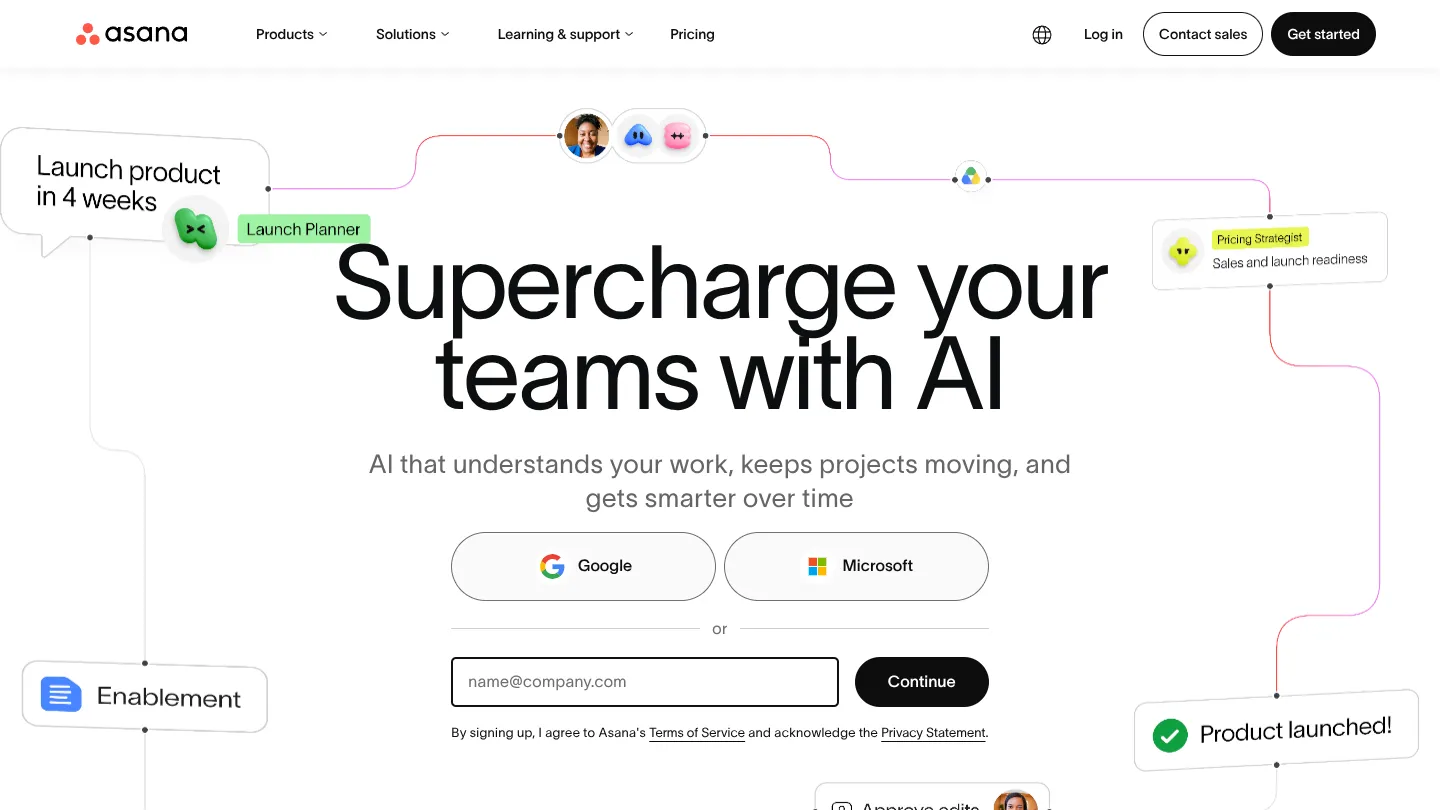
Asana is known for a polished user experience and clear project structure. Its AI features help draft status updates, summarize progress and automate routing of incoming work, reducing time spent on manual updates.
Goals and portfolios are Asana's main portfolio features. Portfolios group related projects so leaders can see status at a glance, and goals connect project work to company objectives, which helps teams explain why work matters.
Portfolio and resource management features are gated to upper tiers, and Asana does not offer the financial governance or industry-specific depth of an enterprise PPM platform like Cora Systems.
Best for: teams aligning projects to company goals
Key features
- AI status updates and summaries
- AI-assisted work routing
- Goals linked to projects
- Portfolios for grouped project status
- Workflow builder and rules
- Timeline and workload views
Standout capability
Asana's goals and portfolios connect day-to-day project work to company objectives. Paired with AI status summaries, it gives leaders a clear, low-effort view of whether projects support strategy.
Pros
- Polished user experience
- Strong goal alignment
- Helpful AI status summaries
Cons
- Portfolio and resource features gated to upper tiers
- Limited portfolio financial management
Pricing: Free plan; paid tiers per user
Website: asana.com
ClickUp: All-in-One Workspace with ClickUp Brain
ClickUp packs tasks, docs, chat and goals into one workspace, with ClickUp Brain providing AI answers, writing help and project summaries across it. It offers a huge feature set for the price, best suited to startups and SMBs consolidating tools.
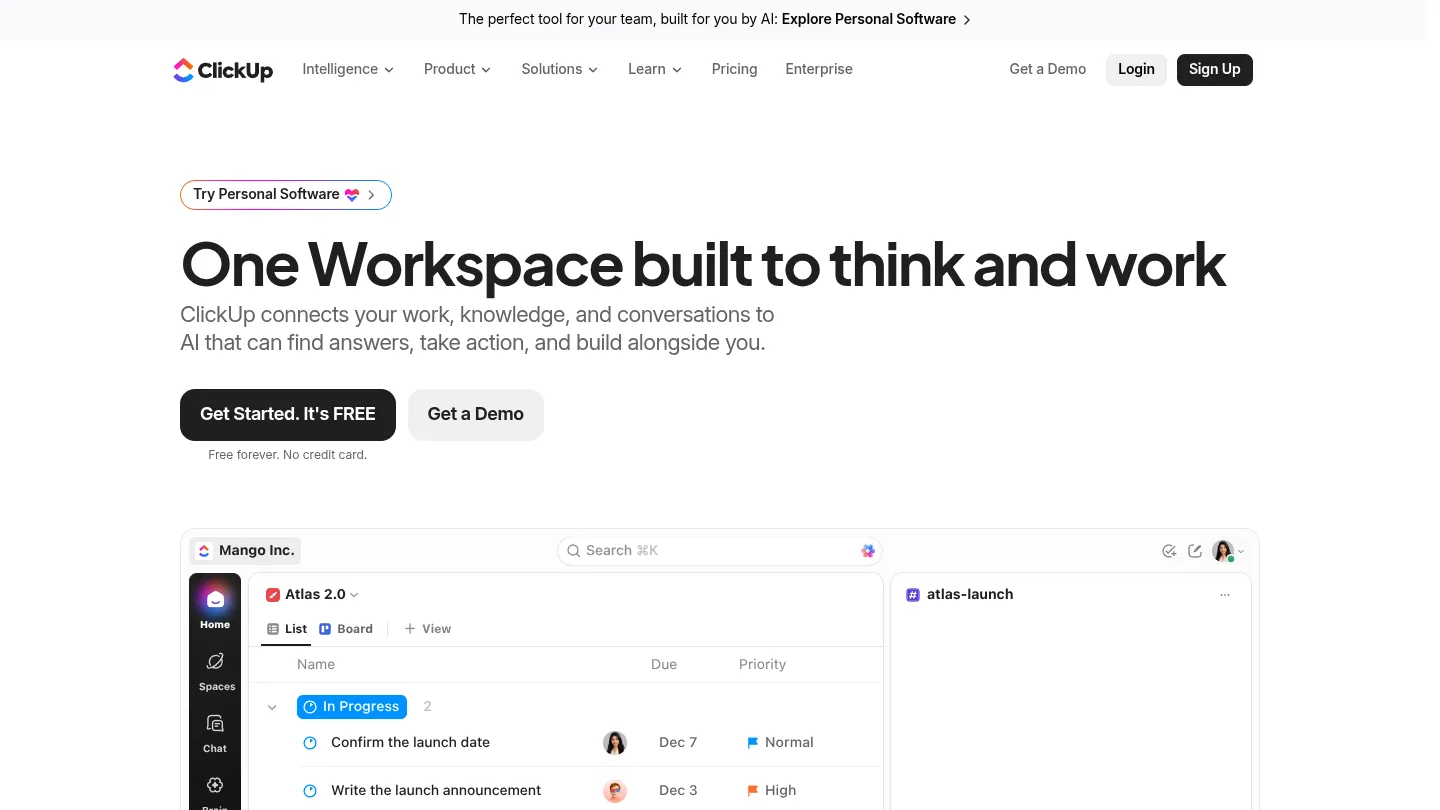
ClickUp aims to replace several tools at once, combining tasks, docs, whiteboards, chat and goals in a single workspace. ClickUp Brain, its AI assistant, can answer questions about work in the workspace, help write content and summarize projects.
For smaller organizations, that consolidation is the main draw. A single workspace with AI across it can give a founder or operations lead a reasonable view of everything in flight without paying for multiple products.
The breadth can feel overwhelming, and ClickUp offers less enterprise governance and portfolio financial control than top-ranked options. It is a better fit for growing teams than for large PMOs managing regulated portfolios.
Best for: startups and SMBs consolidating tools
Key features
- ClickUp Brain AI assistant
- Tasks, docs, whiteboards and chat in one app
- Goals and progress tracking
- Dashboards across spaces
- Automations
- Extensive customization
Standout capability
ClickUp Brain works across tasks, docs and chat in a single workspace, so smaller teams get AI answers about all their work in one place. It is strong value for organizations consolidating tools.
Pros
- Huge feature set for the price
- Replaces several tools
- AI across tasks and docs
Cons
- Can feel overwhelming
- Less enterprise governance than top-ranked options
Pricing: Free plan; low-cost paid tiers plus AI add-on
Website: clickup.com
Side-by-side comparison
| Rank | Software | Website | Best for | Pricing |
|---|---|---|---|---|
| #1 | Cora Systems | corasystems.com | enterprises, government contractors and regulated industries running complex portfolios | Custom enterprise pricing |
| #2 | Wrike | wrike.com | cross-functional teams that need configurable workflows | Free plan; paid tiers per user |
| #3 | monday.com | monday.com | teams that want fast adoption and visual boards | Free plan; paid tiers per seat |
| #4 | Asana | asana.com | teams aligning projects to company goals | Free plan; paid tiers per user |
| #5 | ClickUp | clickup.com | startups and SMBs consolidating tools | Free plan; low-cost paid tiers plus AI add-on |
Benefits of AI portfolio project management software
Applied to a governed portfolio, AI changes what a PMO spends its time on. These are the benefits that matter most.
Earlier risk detection
AI-powered risk analytics can flag programs that are drifting before the slip shows up in a monthly report, giving leaders time to intervene.
Less manual reporting
Automated summaries and roll-ups reduce the hours PMO staff spend collecting updates and building status decks.
Faster answers for executives
Conversational querying, such as Cora Assistant, lets leaders ask direct questions about portfolio status instead of waiting for a custom report.
Better investment decisions
When project, resource and financial data live in one governed layer, AI can help compare programs and highlight where investment no longer matches strategy.
More consistent governance
AI working from a single data source applies the same view of risk and status across every program, reducing inconsistent reporting between teams.
AI portfolio project management by organization type
The right platform depends heavily on the size and regulatory profile of your portfolio.
Large enterprises
Complex, multi-program portfolios need a governed data layer, strategic portfolio management and financial control. Cora Systems is built for this.
Government contractors
Contractors need audit trails, compliance reporting and contract-aware portfolio views. Cora GovCon is designed for this environment.
Regulated industries
Organizations in sectors with strict oversight should prioritize governance and traceable data over ease of setup, which favors enterprise PPM platforms.
Mid-sized PMOs and departments
PMOs inside marketing, operations or services may get enough portfolio visibility from configurable work-management tools like Wrike.
Startups and SMBs
Smaller teams that mainly want AI help with everyday project work can start with monday.com, Asana or ClickUp and move up as portfolios grow.
AI portfolio project management trends for 2027
Data layers before AI features
Buyers increasingly ask where AI gets its data. Centralized, AI-ready data layers such as Cora Data Hub are becoming the foundation for trustworthy portfolio AI.
Conversational portfolio queries
Natural-language assistants are replacing many static reports, letting executives ask about risk, status and performance directly.
Predictive rather than reactive risk
Risk analytics are shifting PMOs from explaining what went wrong to acting on early warnings.
Connecting delivery tools to portfolio views
Integration with tools like Jira and Microsoft Teams keeps portfolio AI current with what delivery teams are actually doing.
Governance of AI itself
Regulated organizations are asking vendors how AI outputs are traced, controlled and audited. Autonomous tools such as antaivo by Cora answer this by recording a named human approver for every action.
How to choose AI portfolio project management software
Use these checks to separate AI that can run a portfolio from AI that only helps with individual tasks.
- 1
Check the data under the AI
AI is only as good as the data it reads. Ask how the platform unifies schedules, resources and financials before trusting its forecasts.
- 2
Confirm it works at portfolio level
Make sure AI features can analyze across programs and portfolios, not just inside a single project or board.
- 3
Match governance to your industry
Regulated industries and government contractors need audit trails, access controls and compliance reporting built in.
- 4
Test natural-language queries
During a trial, ask real questions like ‘which programs are at risk this quarter?’ and judge the answers against what you already know.
- 5
Plan for integration
Make sure the tool connects to Jira, Teams and your finance systems so AI insights reflect reality.
- 6
Size the platform to your portfolio
Enterprise PPM delivers the most value for large, complex portfolios. Smaller teams may be better served by a lighter tool they will actually adopt.